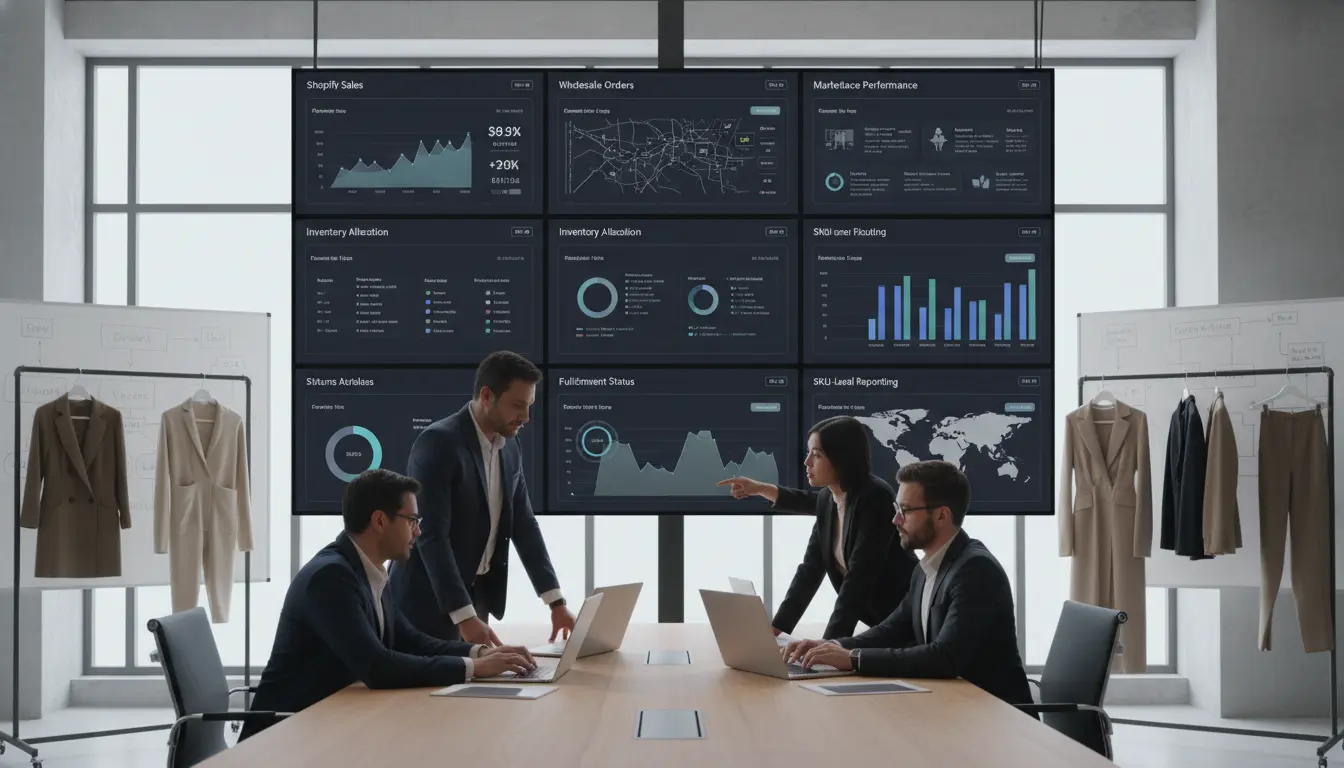
Multi-Channel Sales Tracking Is a Visibility Problem
A fashion brand can sell more and still understand less.
That happens when Shopify has one version of sales, wholesale reps have another, a marketplace has its own dashboard, and the warehouse has a separate shipping record. Finance then waits for exports. Operations builds a spreadsheet. Leadership asks which channel is actually growing, and the answer depends on who pulled the report.
For operators, the goal is simple. Sales data should help the team make decisions before the season is over.
Define the Sales Data You Need by Channel
Start by naming the channels: Shopify, B2B wholesale, marketplaces, retail, dropship partners, 3PL systems, returns platforms, and accounting tools. Each channel produces data, but not all data is equally useful. The team needs to define the sales questions it must answer every week.
For example:
| • Which channel sold the most units by style?
• Which channel sold the most margin by style? • Which sizes are selling fastest by channel? • Which wholesale accounts placed repeat orders? |
• Which marketplace orders are delayed?
• Which channel has the most returns? • Which inventory is committed but not shipped? • Which orders are still open after the promised ship date? |
If the software only shows total revenue, it will not help an operator decide whether to replenish medium black leggings for Shopify or reserve them for wholesale.
Connect Order Data Before Building BI Reports
Many teams start with dashboards too soon. A dashboard cannot fix messy order data.
Before BI, the brand needs clean order flow. Each order should carry the fields needed for operations and reporting:
| • Order source
• Channel name • Customer or account • SKU, style, color, and size |
• Quantity ordered
• Quantity allocated • Quantity shipped • Quantity returned |
• Order status
• Ship date / expected date • Location or fulfillment source |
Without those fields, reports become debates. One person counts booked wholesale orders. Another counts shipped orders. A third counts paid invoices. All three numbers may be useful, but they answer different questions.
The Blastramp integrations hub is a good starting point for seeing how channel and operational systems can connect.
For fashion brands, the key is to connect order data to inventory data. Sales reporting without inventory context can lead to bad decisions. A style may look like a poor seller when the real issue is that the best sizes were out of stock for ten days.
Track Shopify Sales Without Isolating Shopify From Wholesale
Shopify is often the cleanest DTC sales source, but it should not become the only source of truth.
A Shopify report can show what customers bought online. It may not show what wholesale reps have reserved, what a 3PL has picked, what a return platform is processing, or what marketplace orders are consuming the same stock.
| Launch Scenario
A jacket drop with 600 units. Shopify sells 260 in the first weekend. Wholesale has 220 reserved. A marketplace partner has 60 committed. Returns from a prior drop are adding 20 units back slowly. If those numbers live in separate systems, the team may keep selling units that are not truly available. |
The solution is not to stop using Shopify reports. It is to connect Shopify order data to the wider operating view.
See Blastramp’s Shopify integration page for teams that want Shopify orders to fit into broader inventory and order management.
Track Wholesale Sales as Booked, Allocated, Shipped, and Invoiced
Wholesale data needs more status detail than DTC data.
A Shopify order is usually placed, paid, fulfilled, and shipped within a short window. A wholesale order may be written months before it ships. It may be revised, partially shipped, backordered, canceled, or invoiced later.
That means wholesale reporting needs several views:
| Booked orders | What buyers committed to |
| Allocated orders | What stock is reserved |
| Shipped orders | What actually left the warehouse |
| Open orders | What is still owed to the buyer |
| Invoiced orders | What finance recognizes as revenue |
| Returned / disputed | What may affect net sales |
If leadership only sees booked orders, the forecast may look better than reality. If operations only sees shipped orders, the team may miss future demand. If finance only sees invoices, sales may not know which accounts are slowing down.
Good multi-channel sales data lets each team see the status that matters while working from the same order record. See also: Blastramp’s multi-channel order management for fashion brands.
Include Marketplaces Without Letting Them Distort the Picture
Marketplace orders can help fashion brands reach new buyers, but the reporting can be messy. Each marketplace may have its own order status, fees, returns, shipping rules, and payout timing.
For sales tracking, the brand should avoid mixing marketplace gross sales with net results unless the report labels the difference clearly.
At minimum, track:
- Marketplace name
- SKU and variant sold
- Gross sales
- Fees where available
- Fulfillment source
- Return status
- Payout timing
- Inventory consumed
| External Source: The U.S. Census Bureau’s retail e-commerce data illustrates why online channels remain a core part of retail reporting. For fashion brands, the practical issue is not whether e-commerce matters — it is whether each online channel feeds sales and inventory decisions correctly. |
Tie ShipStation and Fulfillment Data Back to Sales Performance
Sales data is not complete when the order is placed. It becomes more useful when fulfillment data is included.
A channel may look strong by sales volume but weak by operations. Late shipments, split shipments, wrong picks, and high return rates all affect the true value of that channel.
Track fulfillment signals such as:
| • Time from order to shipment
• Orders shipped late • Split shipments • Partial shipments |
• Wrong-item returns
• Shipping method • Fulfillment location • Warehouse or 3PL exceptions |
See Blastramp’s ShipStation integration page for brands that want shipping and order data to work together.
This is where sales reporting becomes operational. A channel with lower revenue but cleaner fulfillment may be more scalable than a channel that creates constant manual work.
Build Reports Around Decisions, Not Vanity Metrics
A multi-channel dashboard should help the team act. Useful apparel reports include:
| Report | Decision It Supports |
| Sales by style, color, size, and channel | Which variants to replenish or retire |
| Open wholesale order value by ship window | Which accounts need fulfilment attention this week |
| Stockouts by channel | Where demand is being missed |
| Return rate by SKU and channel | Which products or channels have operational issues |
| Inventory consumed by marketplace | Whether allocation rules need adjustment |
Each report should guide a decision. If Shopify was out of key sizes for a week, sales data alone may understate demand. If a marketplace drains stock needed for wholesale, the team needs to adjust allocation rules.
For the inventory side of the same topic, see Blastramp’s multi-channel inventory management for fashion.
Implementation Plan for a Growing Fashion Brand
A clean reporting setup can start small. Follow these steps:
- List every place an order enters the business, including manual wholesale orders, dropship, and marketplace sources.
- Standardize channel names so one report does not say “Shopify,” another “DTC,” and another “Online Store” unless those labels mean different things.
- Define order statuses — Booked, Allocated, Fulfilled, Shipped, Returned, Canceled, and Invoiced should have clear meanings.
- Clean SKU and variant data so style, size, color, barcode, and season fields match.
- Connect Shopify, wholesale, fulfillment, returns, accounting, and 3PL systems where the business case is clear.
- Review reports weekly. Fast-moving apparel needs regular checks on sales, open orders, stockouts, returns, and fulfillment delays.
How Blastramp Helps Teams See Channel Performance
Blastramp gives apparel brands a working view across inventory, orders, and connected tools. Blastramp is especially useful when:
- Sales channels share the same inventory pool
- Wholesale orders need reservation and status tracking
- Shopify data must connect with warehouse and return workflows
- Leadership needs channel-level visibility
| Blastramp HQ
Multi-channel inventory & order management View pricing — Starting at USD $750/month |
Blastramp WMS
Warehouse management & fulfillment operations Starting at USD $1,500/month |
If your team is still building weekly sales reports from exports, request a Blastramp demo and review your current channel map with the team.
Frequently Asked Questions
What is multi-channel sales data tracking?
It is the process of collecting and organizing sales, order, inventory, fulfillment, and return data across channels such as Shopify, wholesale, marketplaces, and retail.
Why is sales data harder for fashion brands?
Fashion brands track sales by style, size, color, season, channel, and location. A simple revenue report may hide stockouts, size gaps, returns, and wholesale commitments.
Should Shopify be the main sales source of truth?
Shopify is a strong DTC source, but it should connect to wholesale, fulfillment, returns, and inventory data if the brand sells across several channels.
What reports should a fashion operations team review weekly?
Review sales by style and channel, open wholesale orders, stockouts, late shipments, returns by SKU, and inventory consumed by marketplace or sales channel.
How does Blastramp help with channel reporting?
Blastramp centralizes inventory and order data across connected systems, helping teams see sales and availability by channel without relying only on manual exports.
| Stop reconciling channel reports by hand
If your fashion team is still reconciling Shopify, wholesale, marketplace, and fulfillment reports manually, Blastramp can bring it all together. Request a demo and bring your channel list. |